
Authenticated sessions
Signed-in devices are visible. Authorized owners and admins can revoke eligible non-current sessions.
Security and control
CursoVerde keeps authentication, roles, sessions, capabilities, and hardware safety as explicit boundaries—not assumptions.
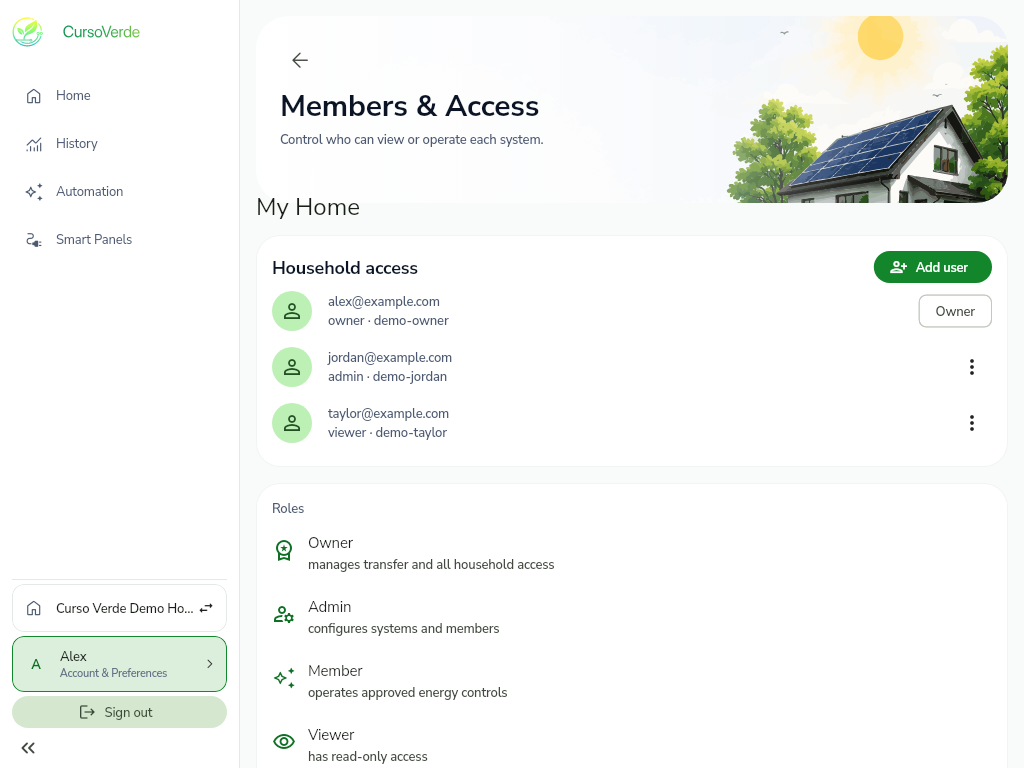
Household roles
Membership and authority are scoped to the household account and its systems.
Layered boundaries
Signed-in devices are visible. Authorized owners and admins can revoke eligible non-current sessions.
A visible role does not create hardware support. Commands remain unavailable when the system contract does not expose them.
Emergency automation and hardware safety limits remain authoritative after an account command is accepted.
Demo boundary
Demo mode uses deterministic sample data. Changes stay on this device and are not sent to an energy system, Relay, or cloud service.