
Live values, timestamps, partial data, and unavailable capabilities remain distinct.
Smarter energy. A brighter tomorrow.
Make your home energy work as one system.
Monitor solar, battery, grid, and home loads. Coordinate automation around forecasts and rates. Stay prepared without giving up control.
- Capability-aware
- Safety guards retained
- Local demo data
One energy model
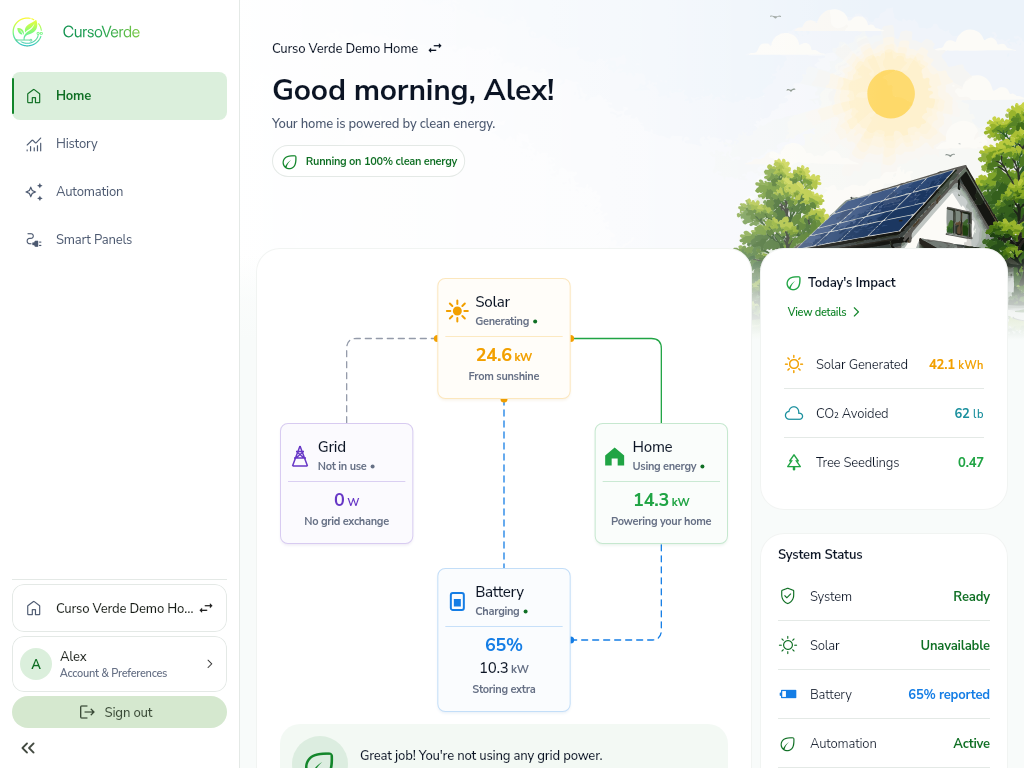
Understand the whole home at a glance.
CursoVerde connects the energy sources and loads your system reports without hiding where power comes from or where it goes.

Production
Track current output, daily contribution, installed inventory, and reported health.

Storage
See state of charge, operating state, reserve, and the schedule shaping what happens next.

Exchange
Understand imports, exports, rate context, and how automation responds across the day.

Use
Follow total demand and, when supported, organize individual panels, circuits, and priorities.
Thoughtful automation
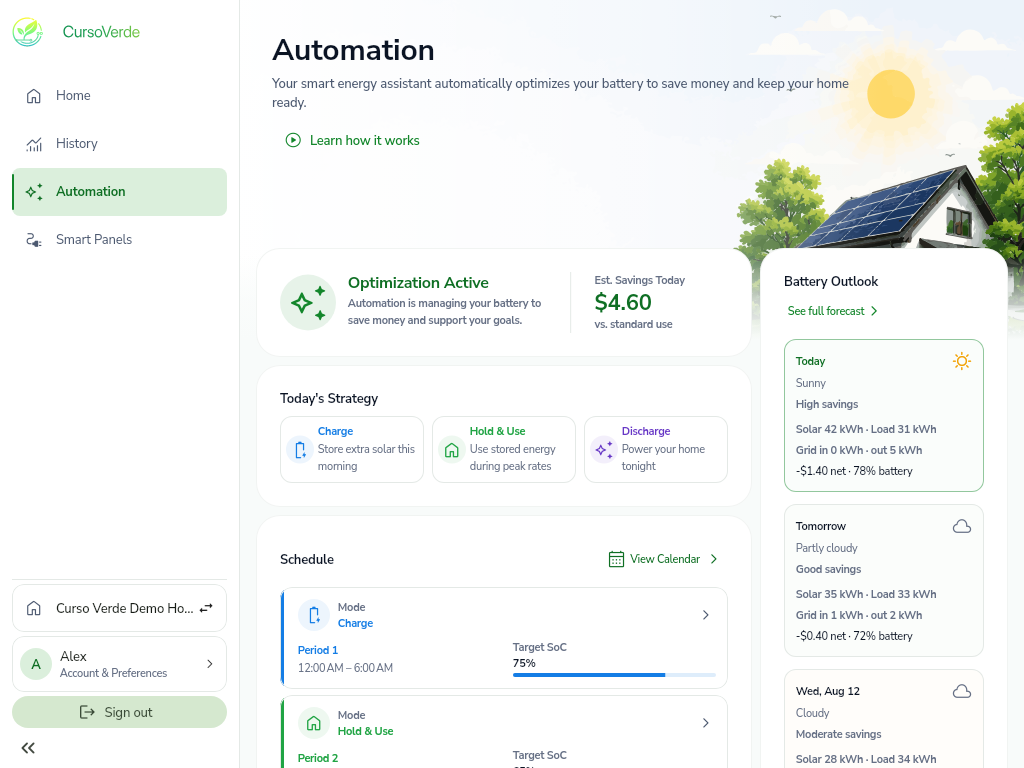
Plan around the day ahead.
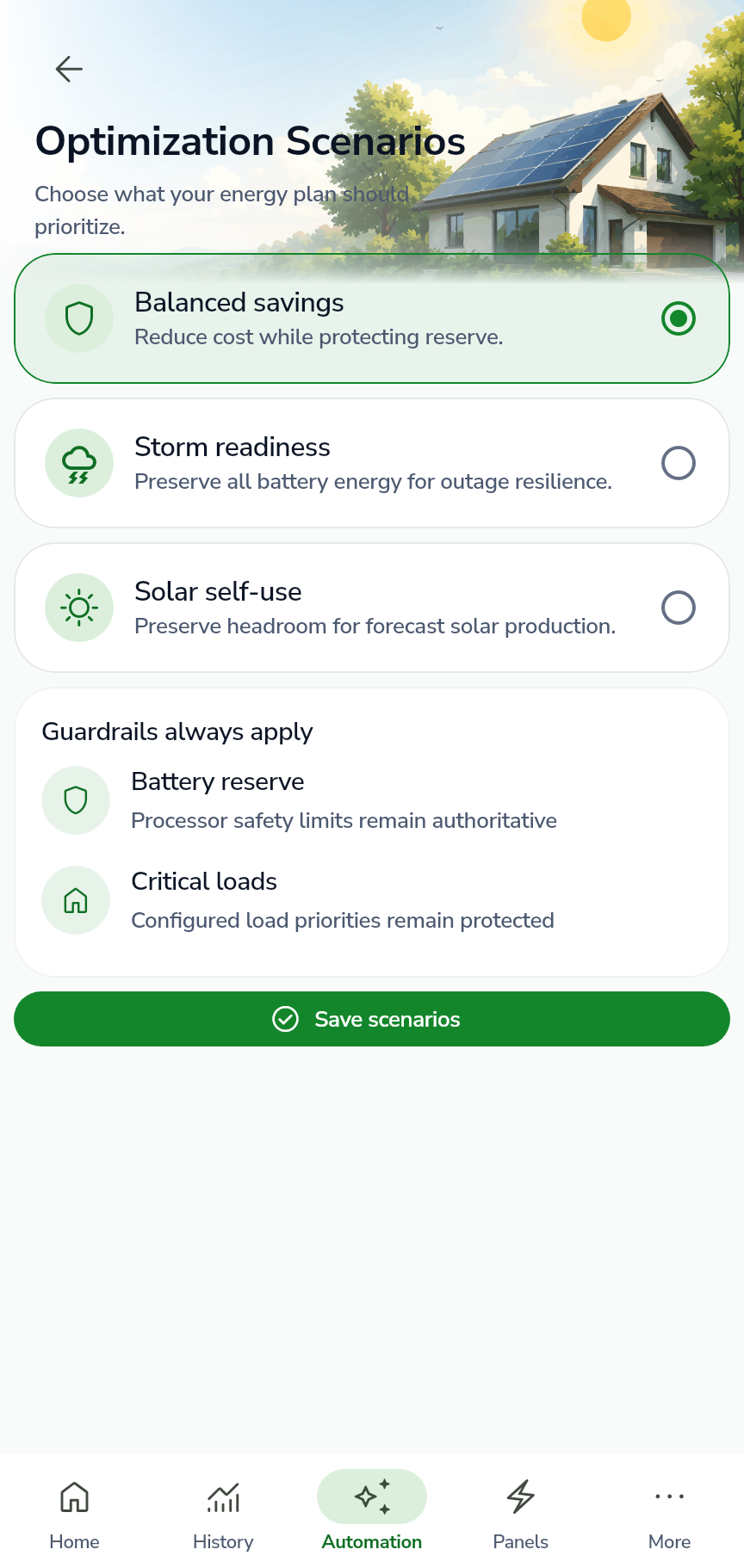
Use forecast and rate data to coordinate charging, holding, home use, and discharge while preserving reserve and critical-load guardrails.
- Balanced savings, storm readiness, and solar self-use scenarios
- Forecast outlook with visible confidence and rate inputs
- Automatic, manual, and emergency operating schedules
Smart-load control
Protect what matters as reserve changes.
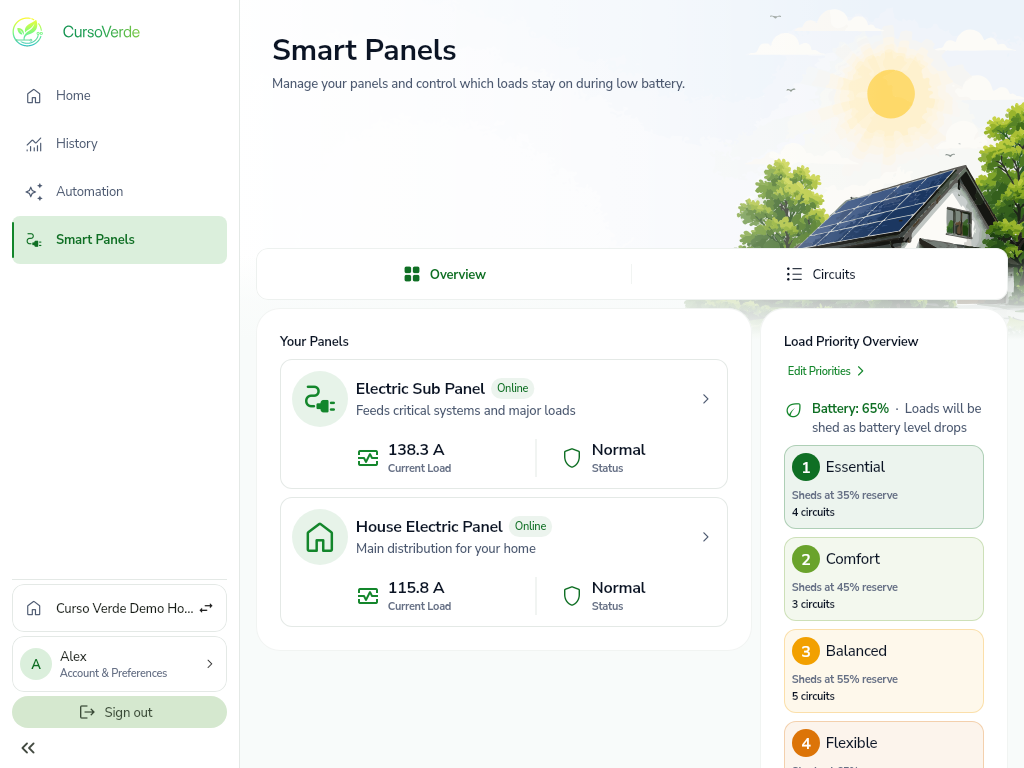
Separate discovered physical hardware from household organization. Classify circuits, create logical panels, and define clear shedding priorities.
- Physical panel status and connected circuit inventory
- Household labels and logical panel organization
- Five visible priority levels with reserve thresholds
Preparedness
Know what your system can act on.
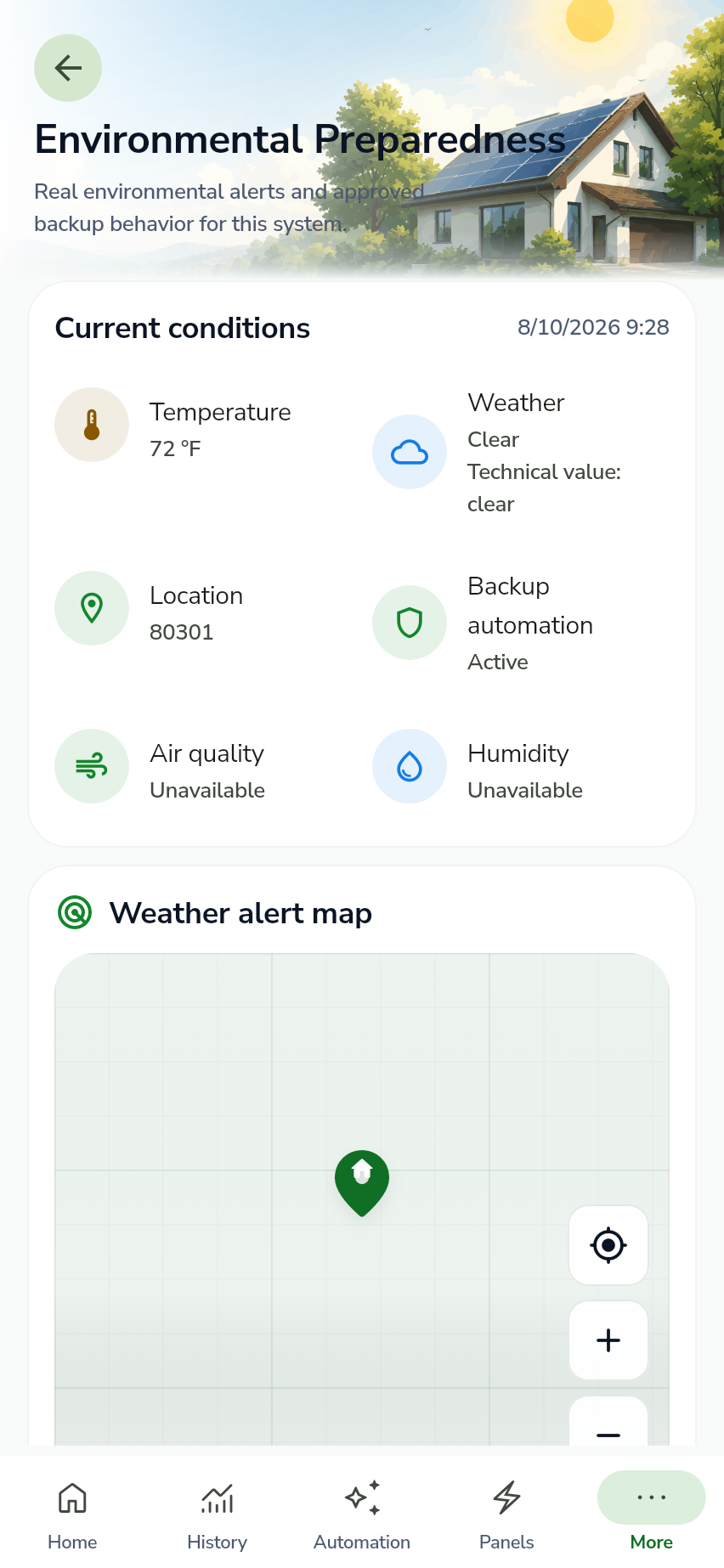
Review supported environmental conditions and approved backup behavior without turning missing data into false certainty.
- Weather, wildfire, and other environmental preferences
- Current conditions with explicit unavailable states
- Backup automation status for eligible conditions
Beyond the dashboard
Built for the complete household lifecycle.

Guided commissioning
Move through enrollment, site and solar, panels, tariff, optimization, and final review in order.

Transparent impact
Review avoided-emissions estimates beside the method, dataset, and geography used to calculate them.
Household access
Assign owner, admin, member, and viewer roles and review devices signed in to the account.
Explore without connecting a system
See how CursoVerde thinks about home energy.
Demo mode uses deterministic sample data. Changes stay on this device and are not sent to an energy system, Relay, or cloud service.